
Container Tracking: How Shippers Actually Follow a Box Across the Ocean
How container tracking works, from free carrier lookups to visibility platforms: what each tool layer does, what it costs, and how to pick for your volume.

Container tracking is the practice of following a shipping container's journey using its container number, the booking or bill of lading reference, and data from carriers, ports and vessel positions. The tools range from free carrier websites to paid visibility platforms that watch thousands of boxes at once.
The right tool depends entirely on volume. An importer moving five boxes a year needs a free lookup. A retailer moving five thousand needs software that raises alarms before a delay becomes a missed shelf date. Both are solving the same problem with very different budgets.
The Data Behind Every Tracking Tool
Every tracking product draws on the same underlying sources. Carriers publish milestone events: booked, loaded, departed, transshipped, discharged, gated out. Terminals report container moves inside the port. Vessel positions come from AIS, the automatic identification system every large ship broadcasts. The differences between tools come down to how many of these feeds they combine, how quickly, and how honestly they flag stale data.
The Free Layer: Carrier and Port Lookups
- Carrier websites: every major line, from Maersk to MSC to Hapag-Lloyd, offers free tracking by container or bill of lading number. Accurate for their own boxes, useless across carriers.
- Terminal and port systems: many US and European ports let truckers and brokers check gate status and last free day directly.
- Vessel trackers: AIS platforms show where the ship carrying your box actually is, which often answers the real question, is it late, faster than milestone feeds do.
The free layer's weakness is labor. Someone has to check each box, on each carrier site, every day, and nobody gets alerted when something slips.
The Paid Layer: Visibility Platforms
Visibility software connects to dozens of carriers at once, watches every container on an account, and pushes exceptions: a missed transshipment, a rolled booking, a vessel running two days behind. The category leaders serve enterprise supply chains, while lighter tools aimed at small importers price by container or by month. Evaluating them comes down to four questions. Which carriers and trades are actually covered? How fresh is the data against the carrier's own site?
Do alerts fire early enough to act? And does it feed your own systems through an API, or trap the data in another dashboard?
What Good Tracking Changes in Practice
- Demurrage and detention: the clock at the terminal is the most expensive timer in shipping; alerts on discharge and last free day pay for the software.
- Customer promises: United States and United Kingdom retailers quote delivery windows from tracked ETAs rather than sailing schedules, which are fiction in disrupted seasons.
- Exception staffing: teams stop checking healthy boxes and work only the ones flagged at risk.
- Carrier accountability: a tracked history of rolled bookings and late vessels is negotiation ammunition at contract time.
How to Choose Without Overbuying
Match the tool to the pain. If your problem is occasional curiosity, use the carrier sites and a vessel tracker. If your problem is demurrage bills and surprised customers, a per-container visibility service earns its fee on the first avoided charge. If your problem is scale, integration matters more than dashboards, because tracking data is only useful where your operations team already works.
Start free, measure what late boxes actually cost you per quarter, and let that number size the budget.
Quick Answers
- Can I track a container for free? Yes. Every major carrier's website tracks its own boxes by container, booking or bill of lading number, and that covers most casual needs.
- What does a container number look like? Four letters and seven digits, such as MSCU1234567: an owner code, a category letter and six digits plus a check digit.
- Why does the ETA keep changing? Because it is a live forecast that moves with weather, congestion and transshipment connections; treat it as a planning input, not a promise.
- Is AIS the same as container tracking? AIS follows the vessel, not the box. It is the best answer to whether the ship is late, and no answer at all to which terminal released your container.
- Do visibility platforms cover every carrier? No. Coverage varies by line and trade lane, which is why a coverage check against your own volumes is the first evaluation step.
What none of these tools solve is the quality of what they are given. Every platform, free or paid, is reselling the same carrier milestones and AIS positions, and a milestone that was posted late or never posted at all looks identical in every dashboard that consumes it. There is no accuracy standard for carrier event data and no penalty for a stale feed. If you are comparing platforms, test them against a box you already know the answer for rather than against each other. The moves they are reporting are the quay and yard operations themselves, and the paperwork behind them starts with who the consignee actually is.
Recommended Reading
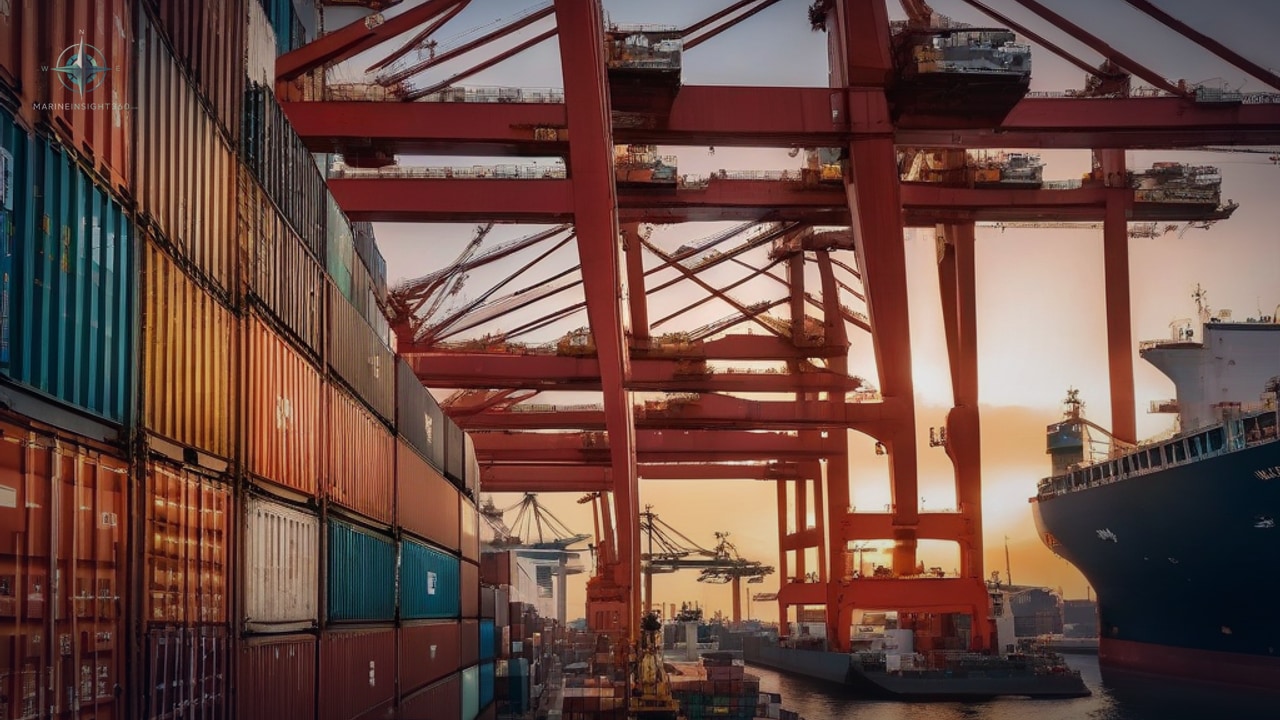
Container Tracking Systems: A Comprehensive Guide
Searates container tracking is a big headache for most businesses. Fulfilling the global demand for quality goods means automating and improving the monitoring of all kinds of processes.
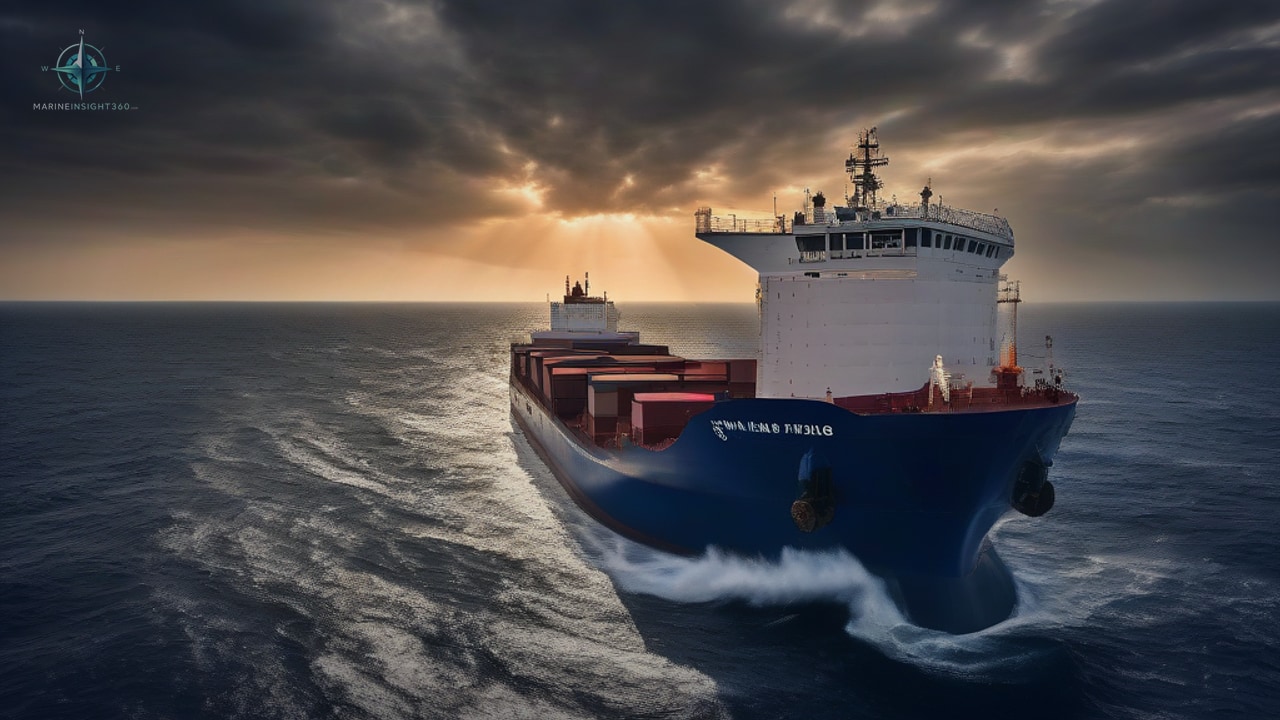
Top 10 Ship Tracking Websites to Find Your Ship Accurately
Rapid technological advances have recently greatly improved vessel monitoring and live ship tracking free.
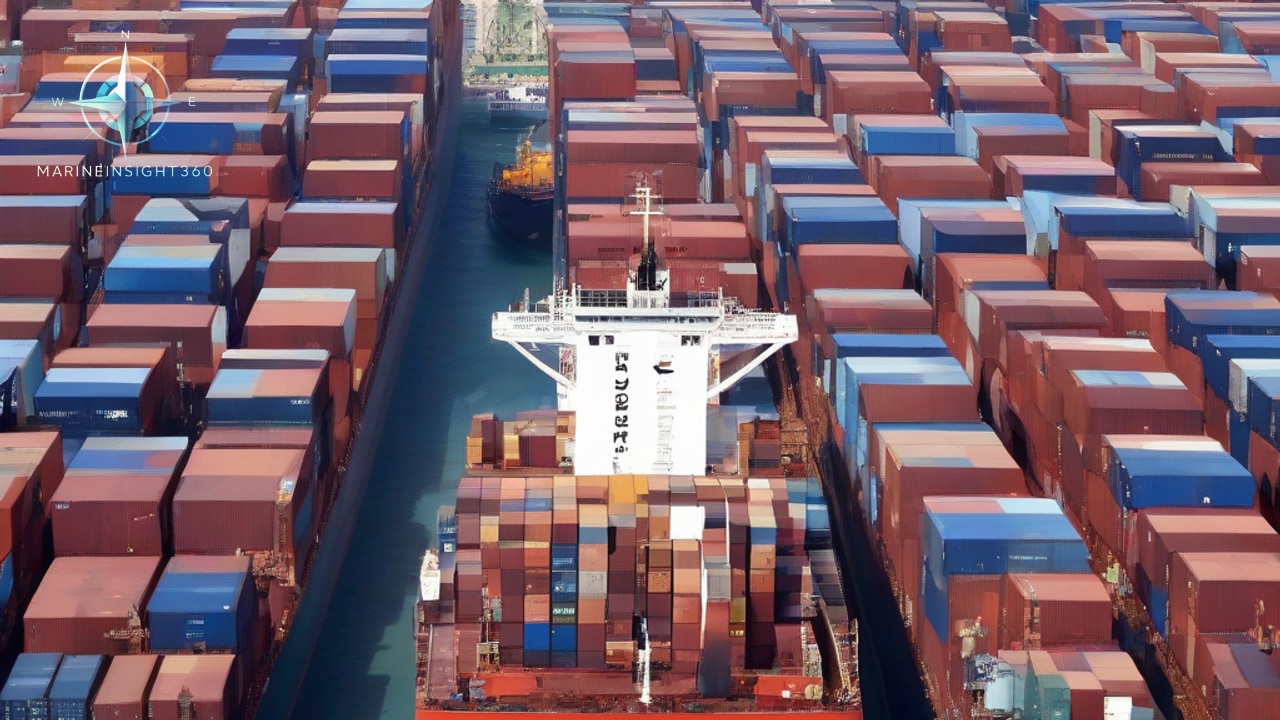
Shipping Freight Rates Explained: Container, Dry Bulk and Tanker Markets
What moves container, dry bulk and tanker freight rates, how to read the Drewry WCI, SCFI, Baltic Dry Index and Worldscale, and what drove the shipping market in 2026.